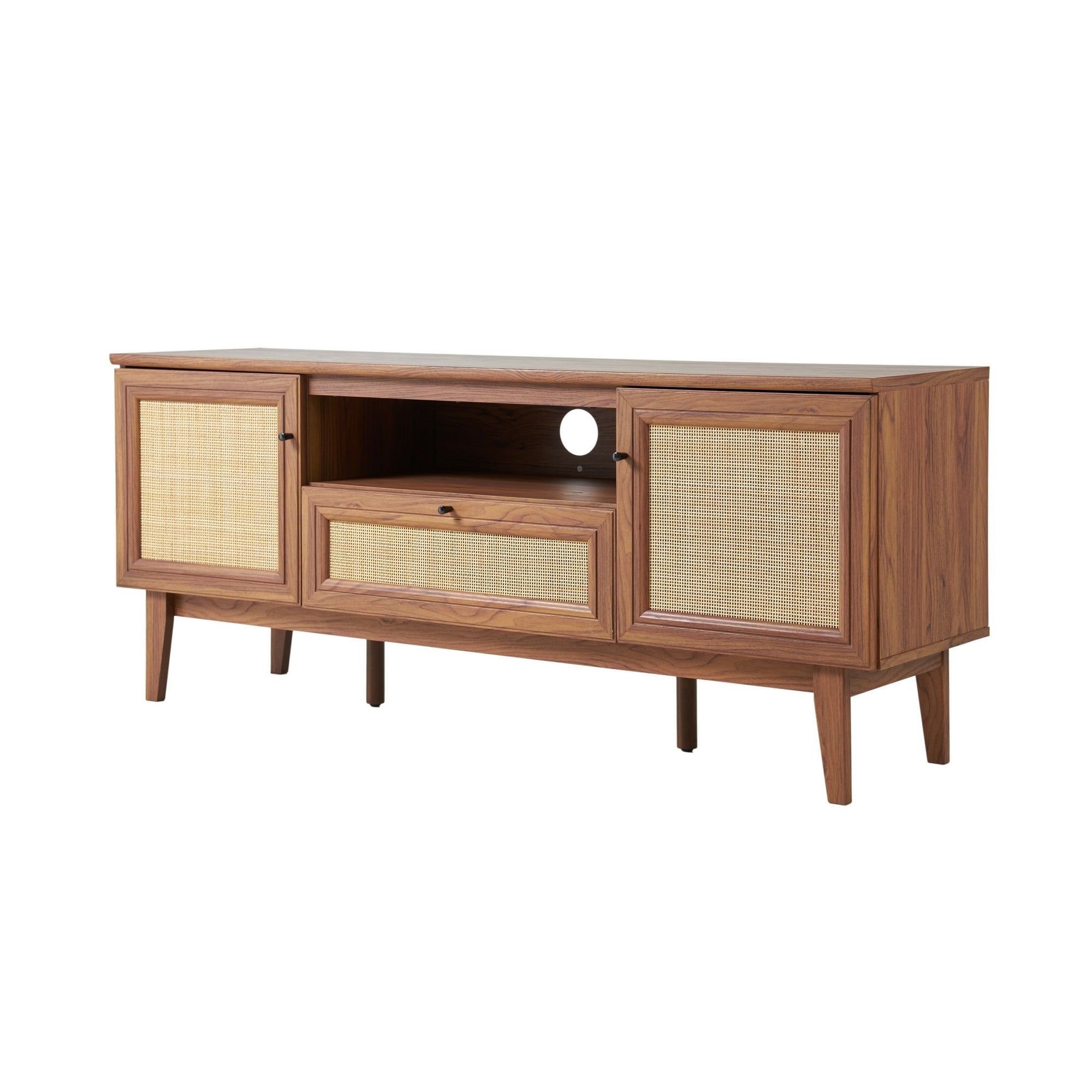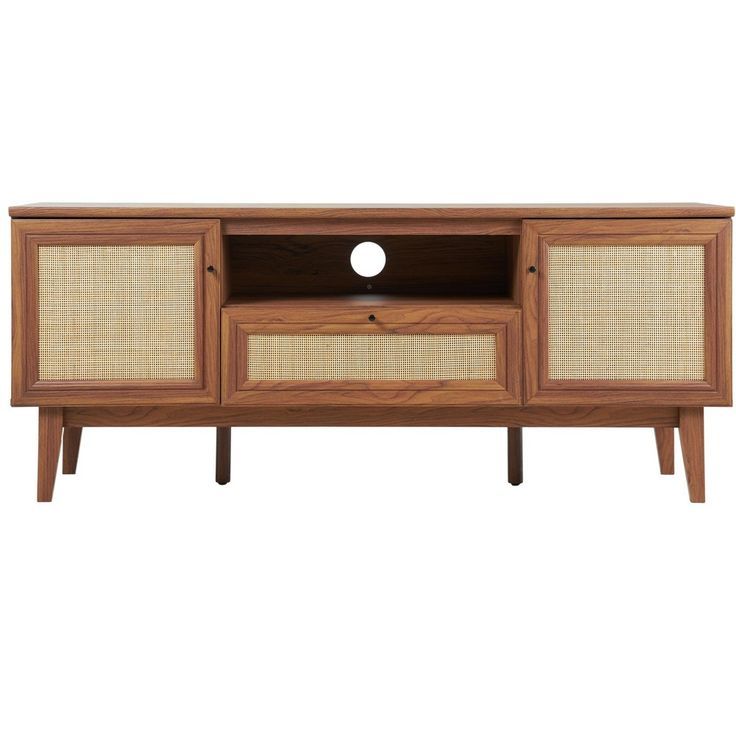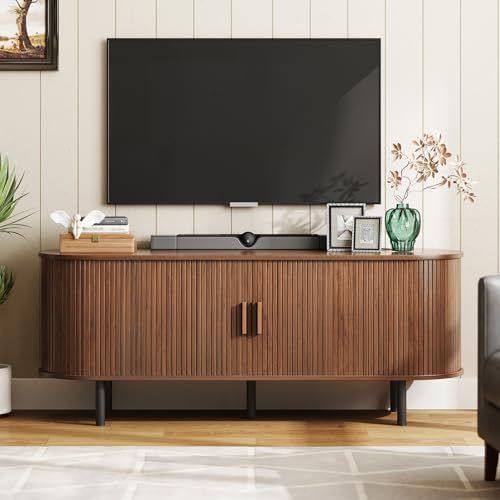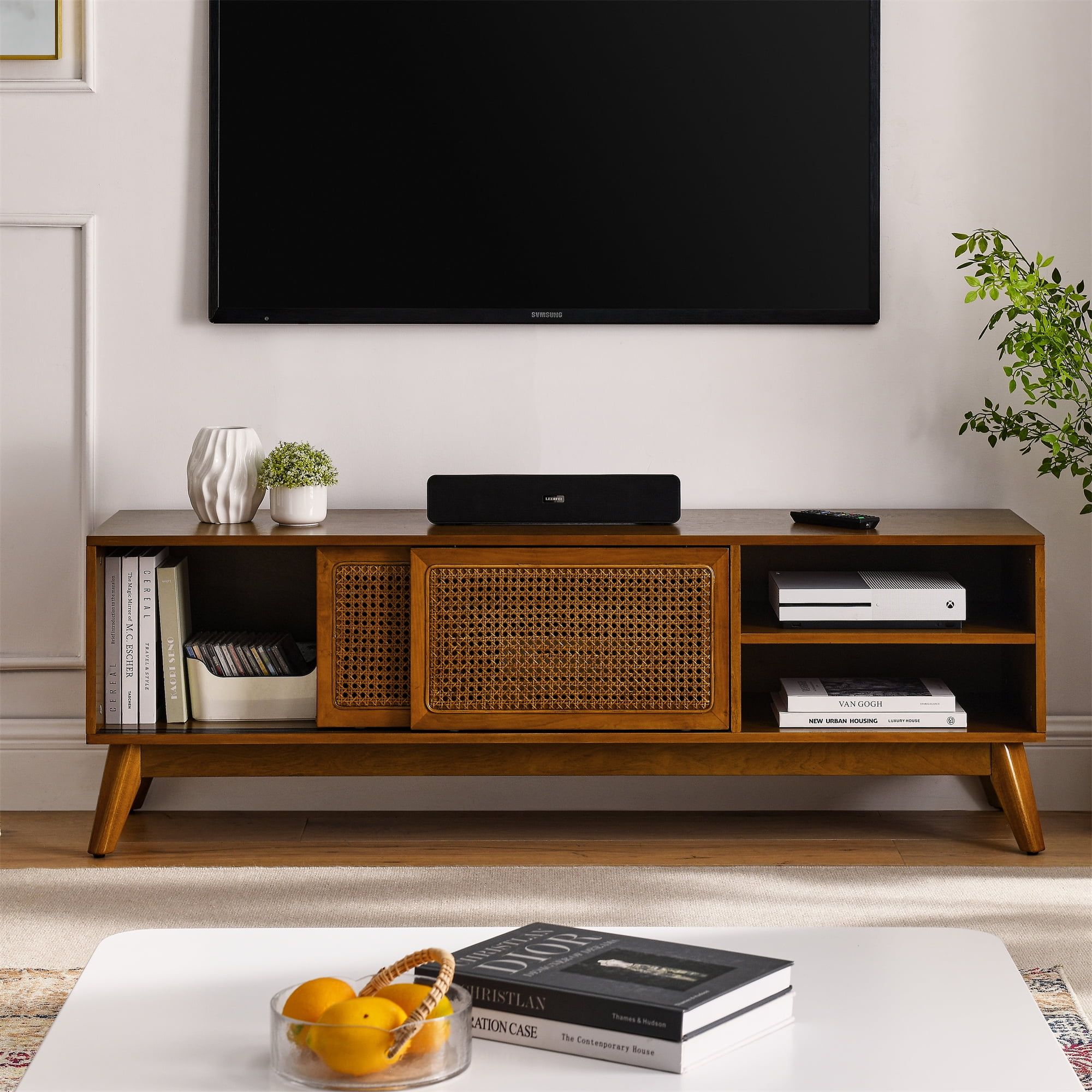
Picture this: You’ve finally created the perfect media room. The big screen glows, the sound system hums with power, and everything looks incredible. But then you look around and realize your cables are everywhere, your equipment is scattered, and you can barely find anything under all those boxes. That’s when you know it’s time for a transformation.
Every home theater enthusiast knows that creating the perfect viewing experience goes beyond just getting the right TV or speakers. It’s about crafting a space where technology works seamlessly behind the scenes. Many people focus heavily on the visible elements – the screen size, the seating arrangement, the lighting – but often overlook one crucial aspect: organization. A well-designed media room should feel effortless, even when it’s packed with high-tech gear. This isn’t just about aesthetics though. Proper storage and cable management directly impact performance, longevity, and ease of use. Think about it. How many times have you fumbled around trying to find that one cable that’s supposed to connect your streaming device? Or how about when you want to add new equipment but there’s no room anywhere? These aren’t just minor inconveniences – they’re the daily frustrations that can ruin an otherwise perfect entertainment setup. What if you could solve all of this with thoughtful planning and some smart design choices?
The Foundation of a Great Media Room
Before diving into storage solutions, it’s important to understand why proper foundation matters. A media room without good organization quickly becomes a nightmare. When everything is in its place, you’ll notice immediate improvements in how you interact with your system. You won’t waste precious minutes hunting for cables or equipment. Instead, you’ll spend more time enjoying your content and less time fighting with wires. Consider how much time you’ve lost to cable chaos over the years. Maybe it’s been hours of frustration, or maybe it’s just the small moments of annoyance that add up. Either way, it’s worth addressing. The first step in transforming your space is recognizing that organization isn’t just nice to have – it’s essential for a truly enjoyable experience. When you start thinking about your media room as a functional space rather than just a display area, everything changes. You begin to see opportunities for clever design solutions that work with your equipment instead of against it. It’s like switching from driving with your eyes closed to having a clear view of the road ahead.
Understanding Different Storage Needs
Not every media room is the same. What works for someone with a modest setup might not work for someone with a full home theater system. Understanding your specific needs is crucial before implementing any storage solution. Let’s break this down:
• Equipment variety: Do you have a simple streaming box, or do you have multiple devices including gaming consoles, Blu-ray players, and various audio components?
• Space constraints: Is your media room large enough to accommodate traditional shelving, or do you need compact solutions?
• Future expansion plans: Are you planning to add more equipment soon, or is your current setup stable?
• Aesthetic preferences: Do you prefer open storage that shows off your gear, or do you want everything hidden away?
These factors shape how you approach storage. For instance, someone with limited space might benefit from wall-mounted systems that maximize vertical space. Meanwhile, a person with plenty of room might want modular shelving that allows easy reconfiguration. The key is matching your storage solution to your actual lifestyle and requirements. Think about how you actually use your media room. Do you frequently change setups? Do you have guests who might want to use your equipment? These considerations influence whether you need locked storage, easy access compartments, or something more elaborate. Sometimes the most obvious solution isn’t always the best one.
Cable Management Essentials
Let’s talk about cables because they’re often the biggest culprit in media room chaos. You probably have more cables than you realize. Every device needs power, every connection requires a cable, and over time these cables multiply. Without proper management, they become tangled messes that are impossible to untangle when you need them. Good cable management involves:
• Planning ahead: Before installing anything, map out where each cable will go and how it will be routed.
• Using appropriate materials: Not all cables are created equal. Some need protection from interference, others need flexibility.
• Labeling everything: It sounds simple but labeling cables makes a huge difference when troubleshooting.
• Creating pathways: Designate specific routes for different types of cables to avoid crossing and tangling.
Think of it this way: a well-managed cable system is like having a roadmap for your electronics. You know exactly where everything goes, how it connects, and what happens if you need to make changes. This clarity becomes invaluable when you’re trying to fix a problem or upgrade your system. Imagine trying to debug a connection issue when all your cables are wrapped together like a Christmas tree of confusion. It’s not just frustrating – it’s time-consuming and stressful. Proper management prevents these headaches before they start.
Designing Custom Solutions
Off-the-shelf solutions often fall short in media rooms because they don’t account for unique layouts, equipment sizes, or specific needs. Custom storage and cable management address these gaps perfectly. When you design your own solutions, you get exactly what you need rather than settling for what’s available. This process involves several steps:
• Measuring everything: Take precise measurements of your equipment and the space where it will live.
• Creating detailed plans: Sketch out how you want everything arranged and how cables will be managed.
• Choosing materials: Select materials that match your aesthetic while providing durability and functionality.
• Testing the design: Before finalizing, consider building a prototype or mock-up.
Custom solutions allow for creative approaches that might not be possible with standard products. You might want to incorporate hidden panels, integrated lighting, or specialized compartments for different types of equipment. The possibilities are endless when you’re designing specifically for your space. Many people think custom means expensive, but it’s really about choosing wisely. Sometimes a few carefully selected materials and thoughtful design can accomplish more than a generic solution at twice the cost. The investment pays off in reduced frustration and better long-term usability.
Practical Implementation Tips
Now that we’ve covered the theory, let’s talk about putting it into practice. Here are some actionable strategies:
• Start with your biggest problem areas: If you have a particularly messy corner, tackle that first. Small wins build momentum.
• Use modular components: These allow you to expand or reconfigure easily as your needs change.
• Invest in quality materials: Cheap solutions often fail quickly, leading to more problems later.
• Plan for future growth: Even if you don’t plan to add equipment now, leave room for it.
• Consider professional help: Sometimes a little outside expertise can save you time and prevent costly mistakes.
Many people skip the planning phase and jump straight into installation. This leads to problems later. Take time to think through the layout and how everything will work together. A few hours of careful planning can save you days of frustration later. Also remember that implementation isn’t just about building – it’s about thinking ahead. What happens when you want to move something? What if you need to service equipment? These scenarios become much easier when you’ve planned for them from the beginning. The key is making decisions that serve both today and tomorrow.
Benefits Beyond Just Organization
When you invest in proper storage and cable management, you gain more than just a tidier space. There are tangible benefits that improve your overall experience:
• Improved performance: Better airflow and reduced interference lead to better equipment performance.
• Easier maintenance: When everything is accessible, servicing and upgrading become much simpler.
• Enhanced safety: Proper cable routing reduces tripping hazards and electrical risks.
• Increased lifespan: Equipment stays cleaner and cooler when properly housed.
• Better aesthetics: A clean space makes everything look more impressive.
These advantages compound over time. As you add more equipment or upgrade existing components, your well-planned system continues to work efficiently. It’s like having a well-trained team versus a group of individuals working independently. Everything works together more effectively. Consider how much better your life would be if you could simply turn on your system and have everything work immediately. No more searching for cables, no more guessing which connection is which. You’d be able to focus on enjoying your content rather than managing it.
Common Mistakes to Avoid
Even with the best intentions, people often make mistakes when implementing storage and cable management solutions. Here are some pitfalls to watch for:
• Overcomplicating things: Sometimes the simplest solution is the best one. Don’t add unnecessary complexity.
• Ignoring space constraints: Measure twice, install once. Rushing leads to problems.
• Underestimating cable needs: Always plan for extra cables and future expansion.
• Neglecting accessibility: You might want everything hidden, but you still need to access it regularly.
• Poor material choices: Using cheap materials that don’t hold up to the environment.
One common error is trying to hide everything too completely. While concealment can be appealing, it shouldn’t come at the cost of functionality. You should be able to service your equipment easily. Another mistake is assuming that custom solutions are always expensive. They don’t have to be. Smart choices about materials and design can keep costs reasonable while delivering excellent results. The most important thing is learning from past experiences and applying that knowledge to future projects. Everyone makes mistakes – the key is not repeating them.
Transforming your media room through custom storage and cable management isn’t just about making it look better – it’s about creating a space that works for you. When everything is organized, accessible, and properly managed, you can enjoy your entertainment system without constant maintenance or frustration. The investment in thoughtful design pays dividends in convenience, performance, and peace of mind. Whether you’re starting fresh or looking to improve an existing setup, the principles remain the same. Plan carefully, measure precisely, and choose materials that will last. Remember that a well-organized media room isn’t just a luxury – it’s a necessity for anyone serious about their entertainment experience. The difference between a cluttered chaos and a polished space is often just a few thoughtful design decisions. You can create a space that enhances your enjoyment rather than detracts from it. So take that first step – assess your current situation, identify your priorities, and start planning. Your future self will thank you for the effort you put in today.