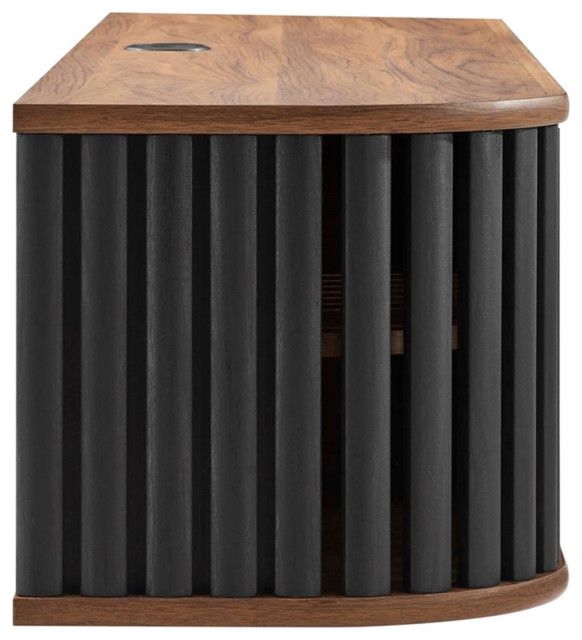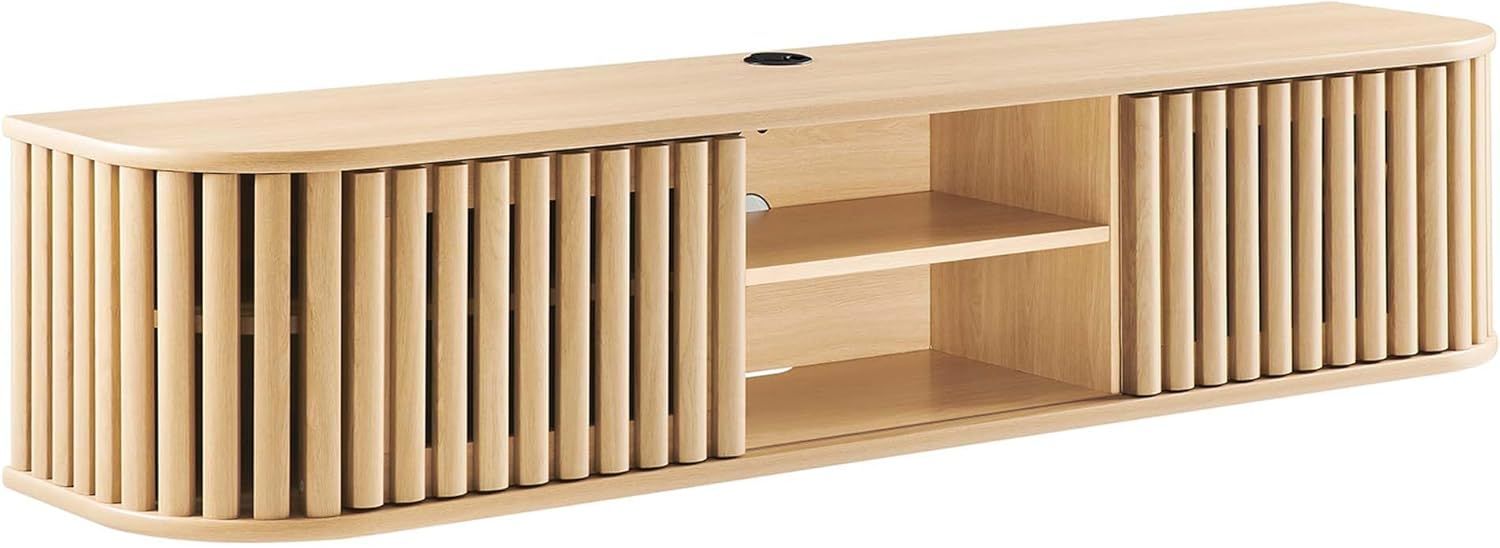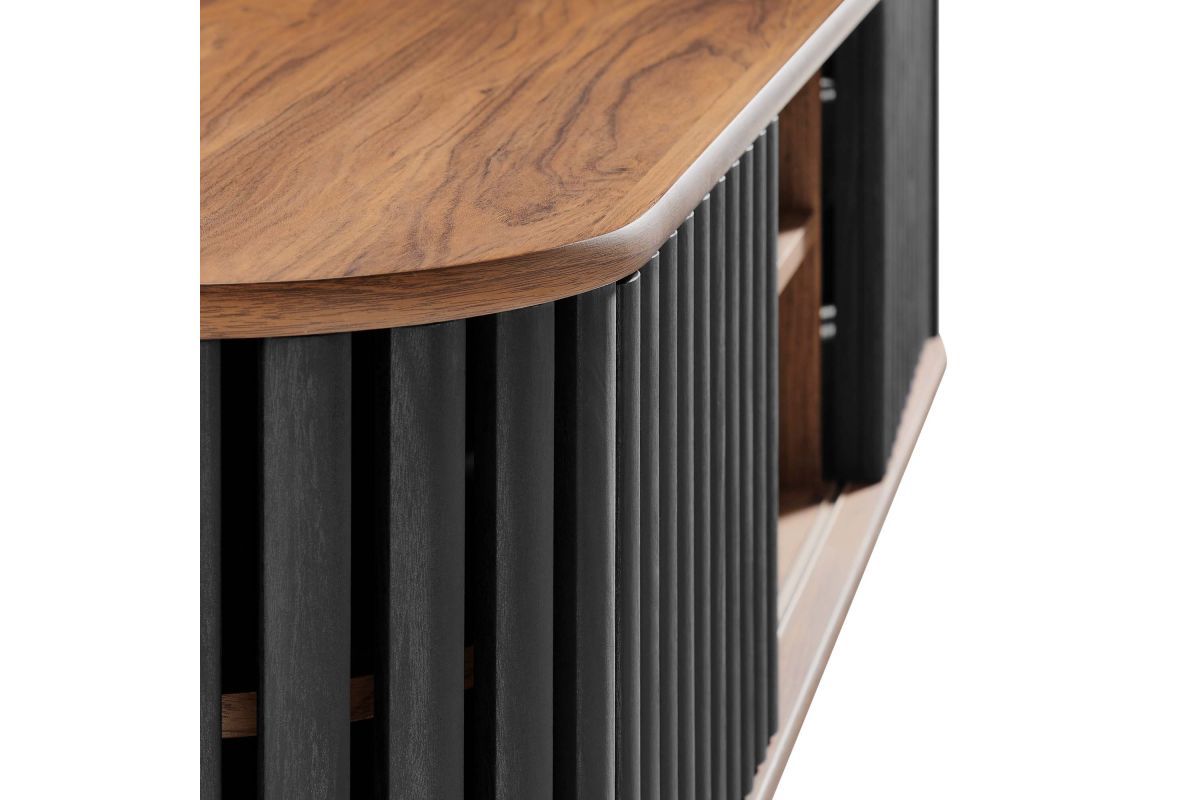
Think back to when your first TV was mounted on the wall. It probably looked like something you’d find in a hardware store catalog – simple brackets, maybe a few screws, and a lot of trial and error. Fast forward to today, and mounting your television has become an art form. We’re talking about solutions that can adjust to different angles, accommodate multiple devices, and even integrate with smart home systems. This isn’t just about hanging a screen anymore – it’s about creating a seamless, elegant experience in your living space.
TV mounting has come a long way since those early days of basic metal brackets and DIY installations. Today’s solutions offer incredible flexibility, durability, and aesthetic appeal. Whether you’re looking to maximize space in a small apartment or create a stunning entertainment center in a larger room, understanding the current landscape of mounting options is crucial. This guide explores the various types of mounting solutions available, their benefits, and how to choose the right one for your specific needs. We’ll examine everything from traditional wall mounts to cutting-edge smart mounting systems, helping you make informed decisions about your next TV installation project.
Types of TV Mounting Systems Explained
There are several main categories of TV mounting systems, each designed for different situations and preferences. Let’s break them down.
Fixed Wall Mounts
These are the most basic and affordable option. They keep your TV perfectly horizontal and flush against the wall. They’re ideal for situations where you always want to watch your TV at eye level and don’t plan to change viewing angles frequently.
Tilt Mounts
If you’ve ever had glare issues with your TV, tilt mounts might be your answer. These mounts allow you to angle your screen up or down, reducing reflections from windows or lights. Perfect for rooms with lots of natural light or bright overhead lighting.
Full Motion Mounts
This is where things get interesting. Full motion mounts let you move your TV in multiple directions – up, down, left, right, and even rotate it. They’re great for rooms where the viewing position changes frequently or where you want to hide the TV when not in use.
Ceiling Mounts
Sometimes you want to go vertical. Ceiling mounts are excellent for maximizing floor space or creating a dramatic visual impact. They’re particularly popular in home theaters and commercial settings where you want to make a statement.
Articulating Arms
These are sophisticated mounting solutions that allow for precise positioning of your TV. They often feature multiple joints and can be adjusted to almost any angle, making them ideal for challenging spaces or multi-user environments.
Understanding Mounting Hardware and Compatibility
Before you buy any mount, you need to know your TV’s specifications. Every TV comes with a set of mounting holes, usually located in the back. These are called VESA patterns, named after the Video Electronics Standards Association.
VESA patterns vary significantly between TV sizes and models. Common patterns include 75x75mm, 100x100mm, 200x200mm, and 400x400mm. The numbers represent the distance in millimeters between the mounting holes.
When shopping for a mount, make sure it supports your TV’s VESA pattern. Most mounts will list the compatible VESA sizes. You’ll also want to consider your TV’s weight. Many mounts have specific weight limits, and exceeding these can be dangerous.
Another important factor is the type of wall you’re mounting to. Drywall, concrete, brick, and wood all require different approaches. Some mounts work better with certain materials than others. For example, if you’re mounting to drywall, you’ll need to locate studs or use appropriate anchors. Concrete walls might require special drilling techniques and anchors.
Don’t forget about cable management. Many modern mounts come with built-in cable routing features. These can make a huge difference in maintaining a clean look while keeping wires out of sight.
Smart Mounting Technologies and Integration
The rise of smart home technology has brought new possibilities to TV mounting. Today’s smart mounts can integrate with home automation systems, allowing you to control your TV’s position remotely. Some even offer features like automatic positioning based on time of day or user preferences.
Motorized Mounts
These are perhaps the most advanced solution. Motorized mounts can automatically adjust your TV’s position based on signals from your smart home system. They’re particularly useful in rooms where you might want to hide the TV during the day and reveal it for evening viewing.
Wireless Control Systems
Many modern mounts now support wireless control via smartphone apps. This allows you to adjust your TV’s position without needing to physically interact with the mount. Some even integrate with voice assistants like Alexa or Google Assistant.
Sensors and Automation
Advanced mounts may include sensors that detect when someone enters the room and automatically position the TV accordingly. Others might adjust based on ambient light levels to reduce glare.
Multi-Device Support
Modern mounting solutions often accommodate multiple devices beyond just TVs. You might see mounts designed for tablets, monitors, or even projectors. This flexibility makes them valuable additions to modern entertainment setups.
Installation Considerations and Best Practices
Installing a TV mount properly is crucial for safety and performance. Here are some key considerations:
Professional Installation vs. DIY
While many mounts are designed for easy DIY installation, there are situations where professional help makes sense. If you’re mounting to a concrete wall, dealing with heavy TVs, or want to ensure perfect alignment, hiring a professional might save you headaches later.
Planning Your Space
Before you start, measure everything carefully. Determine where you want your TV to sit, considering factors like viewing distance, furniture placement, and cable access. Consider how the room will be used throughout the day and night.
Safety First
Never exceed the weight capacity of your mount. Always double-check your calculations. Even a slightly overloaded mount can fail, potentially causing serious injury.
Cable Management
Plan ahead for cables. Many mounts offer integrated cable management solutions. This includes channels for HDMI cables, power cords, and audio connections. Keeping everything neat helps prevent damage and makes troubleshooting easier.
Testing and Adjustment
After installation, test all movements and adjustments. Make sure the TV sits securely and moves smoothly. Check that all cables are properly routed and secured.
Aesthetic Considerations and Design Integration
Mounting a TV isn’t just about function – it’s also about design. The right mount can enhance your room’s aesthetics while hiding unsightly wires and creating a cohesive look.
Minimalist Approaches
Some mounts are designed to disappear entirely. Flush-mounted solutions that keep the TV perfectly flat against the wall create a clean, modern appearance. These are ideal for contemporary homes or minimalist design schemes.
Statement Mounts
Other mounts are meant to be noticed. Bold designs, unique materials, or artistic shapes can become focal points in a room. These are perfect for homes where you want to showcase your TV as part of the décor rather than simply hiding it.
Color Coordination
Modern mounts often come in various finishes – black, white, brushed steel, or even wood grain. Choosing a mount that matches or complements your room’s color scheme can make a significant difference in overall appearance.
Lighting Integration
Some advanced mounting systems incorporate LED lighting that can highlight your TV or provide ambient lighting for the room. This creates a more immersive viewing experience and adds another dimension to your home’s design.
Space Optimization
Good mounting solutions help maximize the use of your space. They can eliminate the need for bulky stands, freeing up floor space for other furniture or activities.
Cost Analysis and Value Considerations
TV mounting solutions vary widely in price, and choosing the right one involves balancing cost against functionality and longevity. Here’s what to expect:
Budget Options
Basic wall mounts can cost as little as $20 to $50. These are suitable for lighter TVs and simpler installations. They offer minimal adjustment capabilities but are adequate for straightforward setups.
Mid-Range Solutions
Most people will find mid-range mounts (ranging from $50 to $200) to be the sweet spot. These typically offer better build quality, more adjustment options, and improved cable management features.
Premium Mounts
High-end mounting systems can cost several hundred dollars. These often include motorized features, advanced materials, and smart integration capabilities. They’re worth considering if you have a large, heavy TV or want maximum flexibility.
Long-Term Value
Consider not just the initial cost but also how much you’ll use the mount. A well-built mount that lasts decades will provide better value than a cheap alternative that needs replacement every few years. Quality materials and construction also mean fewer repairs and less hassle.
Return on Investment
In some cases, investing in a quality mount can increase your home’s value. A professionally installed, aesthetically pleasing mount can make a room feel more polished and modern, which appeals to potential buyers if you ever decide to sell.
TV mounting has evolved far beyond simple bracket installation. Today’s solutions offer unprecedented flexibility, integration capabilities, and aesthetic choices. Whether you’re a DIY enthusiast looking for a straightforward installation or someone seeking high-tech automation, there’s a mounting solution that fits your needs. The key is understanding your requirements, measuring carefully, and choosing quality components that will serve you well for years to come. Remember, a good mount isn’t just about hanging a screen – it’s about creating a seamless viewing experience that enhances your entire living space. Take your time with the selection process, and don’t hesitate to invest in quality if it means better performance and longevity. The right mount can transform not just where you watch your shows, but how you think about your entire entertainment setup.