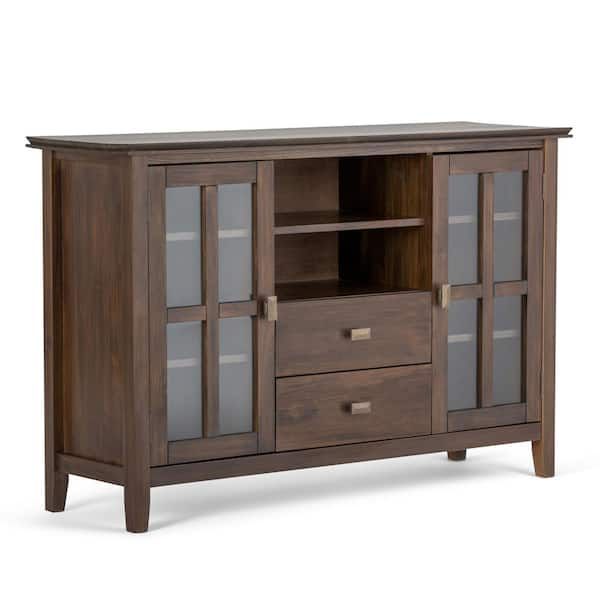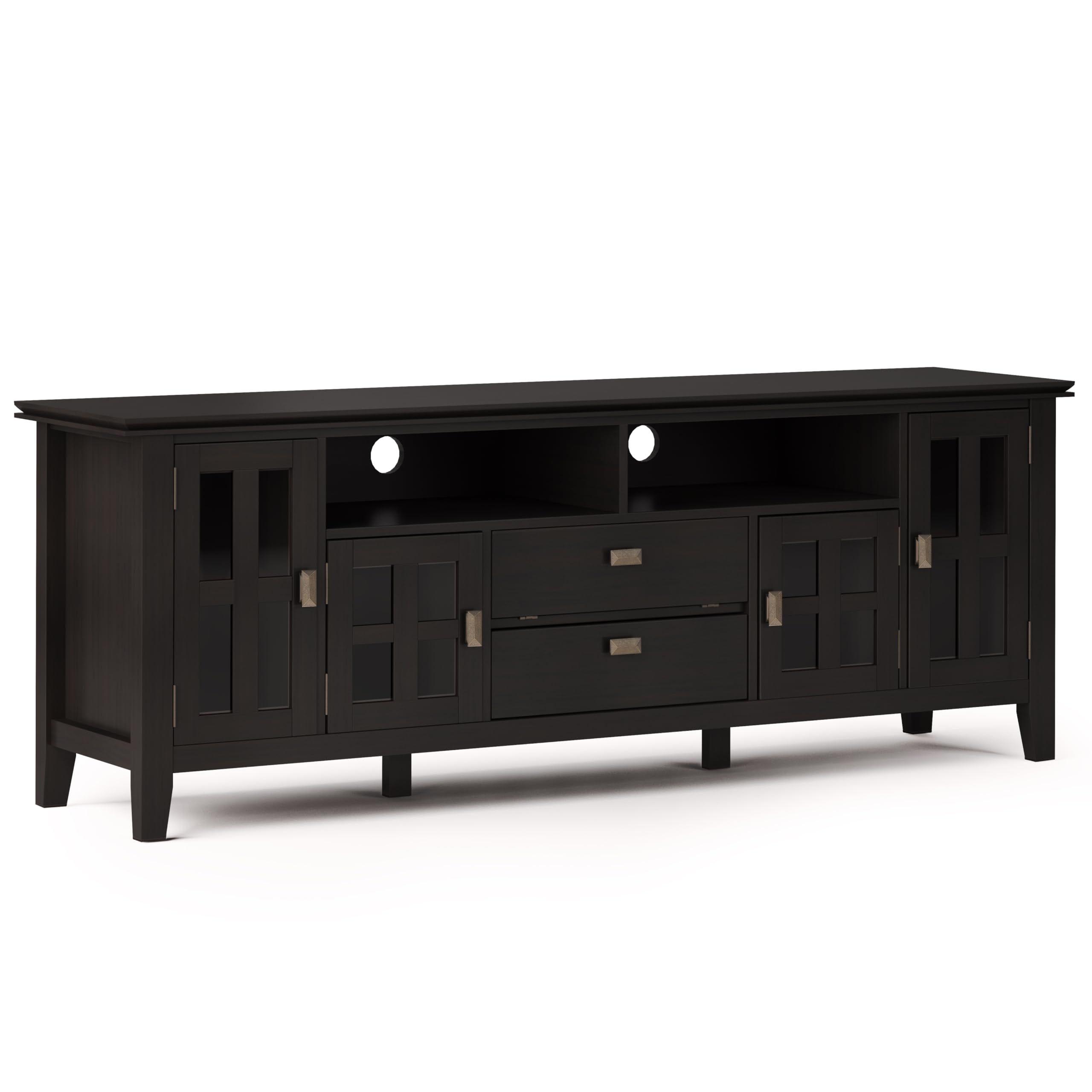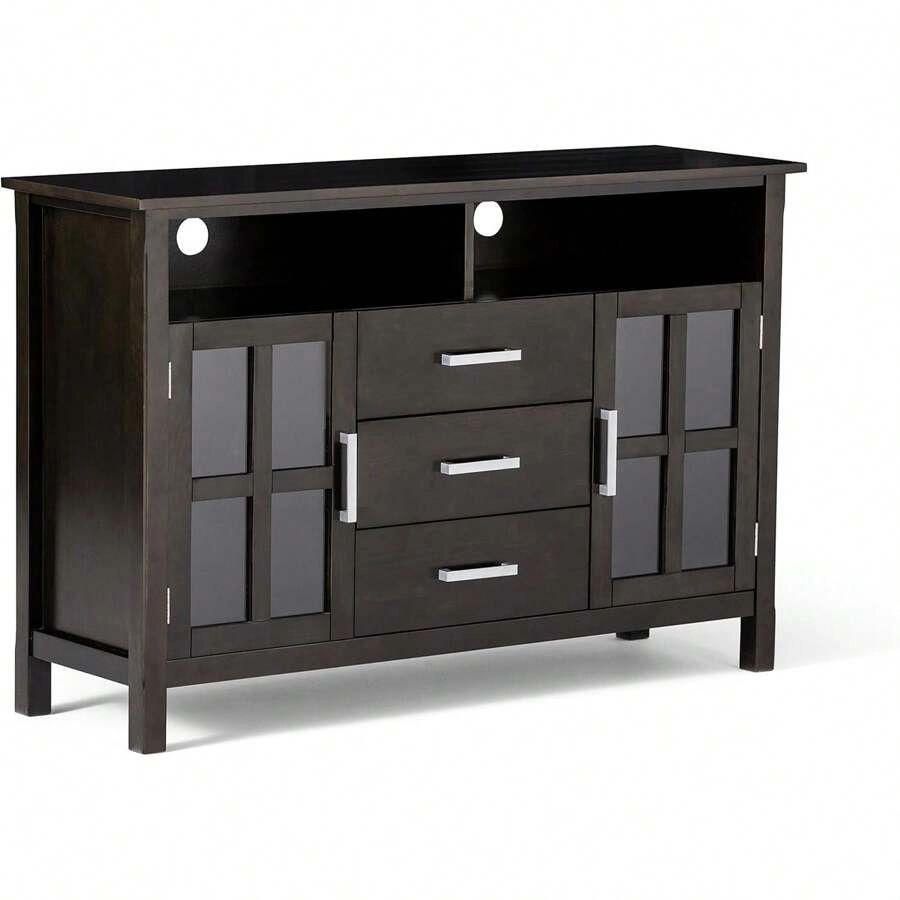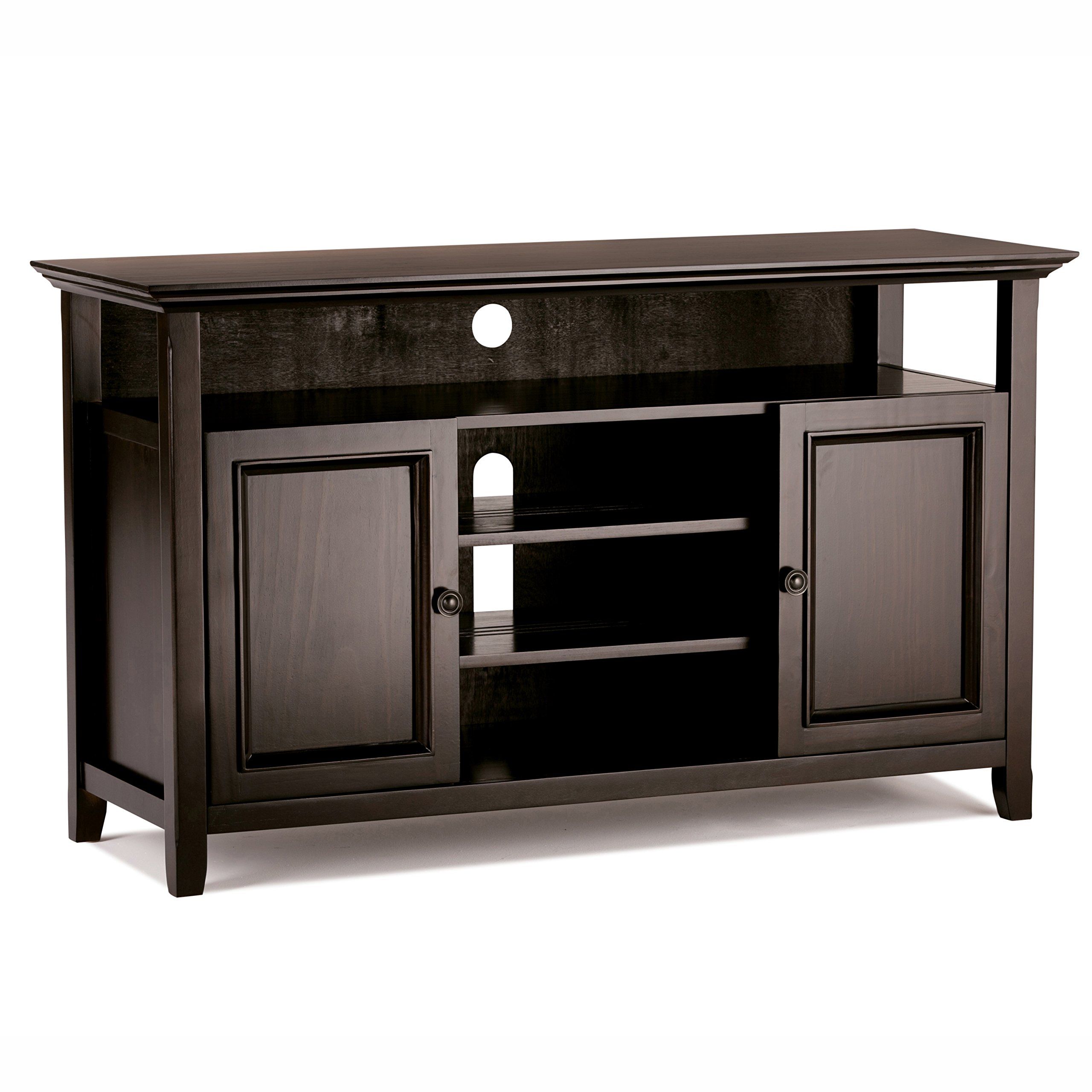
Picture this: You’ve finally upgraded to that stunning 65-inch 4K TV you’ve been dreaming about. The colors are vibrant, the sound is crystal clear, and you’re ready to binge your favorite shows. But wait – what if I told you that your TV’s placement could make or break your entire viewing experience? The answer might be hiding in plain sight, right underneath your screen. That humble piece of furniture called a TV stand isn’t just there to hold your TV. It’s actually a crucial element that can elevate your entertainment from good to absolutely phenomenal.
When we think about our home entertainment setups, we often focus on the obvious players – the massive screen, the powerful soundbar, maybe even the sleek streaming device. But there’s one critical component that frequently gets overlooked yet plays a pivotal role in how we experience our favorite content. It’s something you probably interact with daily, but rarely give much thought to. This essential piece of furniture, the TV stand, is actually the foundation upon which your entire viewing experience rests. It’s not just about keeping your television off the floor. It’s about creating the optimal environment for visual and auditory enjoyment. Think about it – when was the last time you sat down to watch something and felt like you were truly immersed in the story? That feeling often starts with the right positioning and support for your screen. A poorly chosen stand can make even the most expensive TV feel cramped and uncomfortable. On the flip side, a well-thought-out stand setup can transform your living room into a cinema-quality space. The right stand ensures proper height, prevents glare, reduces eye strain, and even helps organize all those cables and accessories. It’s amazing how such a simple piece of furniture can have such a dramatic impact on our daily entertainment habits. So let’s dive deep into what makes a TV stand truly special and how it can maximize your viewing pleasure.
Understanding the Fundamentals of TV Placement
Before we jump into stand types and features, we need to understand why placement matters so much. The human eye is incredibly sensitive to screen position and viewing angles. When your TV is positioned incorrectly, you’re setting yourself up for headaches, neck strain, and a generally frustrating viewing experience. The golden rule here is simple: your TV screen should be at or slightly below eye level when you’re seated. This might sound basic, but it’s easy to overlook when you’re focused on decorating or buying the latest technology. Let’s talk about some key factors that influence how you see your content. First, consider the distance between your seating and the screen. For a 55-inch TV, you’ll want to sit roughly 8 to 10 feet away for optimal viewing. This distance changes based on screen size, but the principle remains the same. Too close and everything feels overwhelming, too far and details become lost. Second, think about the viewing angle. If you’re watching from an angle, you’ll notice color shifts and reduced clarity. This is especially important if you have multiple viewers sitting at different positions in your room. Third, lighting conditions play a huge role. Glare from windows, lamps, or even reflections from nearby surfaces can make your screen nearly impossible to view. This is where a quality stand with proper positioning becomes invaluable. A good stand gives you the flexibility to adjust your screen’s height and angle, ensuring you always have the best possible view. Many people don’t realize that even the slightest adjustment can make a world of difference in how comfortable and enjoyable their viewing experience is.
Types of TV Stands and Their Unique Benefits
Not all stands are created equal, and understanding the differences between various types can help you make the smartest choice for your space and needs. Let’s explore the main categories you’ll encounter. Wall-mounted stands offer the most modern approach, giving you that sleek, minimalist look that many homeowners desire. These stands typically come with adjustable arms that allow you to position your screen exactly where you want it. They’re particularly great for smaller spaces where floor-standing options might not fit well. The downside? They require secure mounting and can be tricky to install properly. Floor-standing stands provide the most stability and versatility. These are usually the heaviest and most robust option, capable of holding large TVs with ease. They often come with built-in storage compartments for your streaming devices, gaming consoles, and other accessories. The trade-off is that they take up more floor space and might not work well in very small rooms. Freestanding stands fall somewhere in between. They don’t require wall mounting but still offer good stability. These are often the most affordable option and can be easily moved around if your layout changes. However, they may not provide the same level of customization as other options. Some stands feature integrated cable management systems, which can be a game-changer for keeping your setup neat and organized. Others include built-in speakers or even smart features like USB charging ports. Consider what features matter most to you – do you want to keep everything tucked away, or do you prefer a more open, accessible design? The right type of stand depends heavily on your room layout, the size of your TV, and your personal preferences. Don’t underestimate the importance of matching your stand to your lifestyle. If you’re someone who likes to rearrange furniture regularly, a freestanding option might be perfect. But if you’re looking for a permanent setup, a wall-mounted or floor-standing solution could be more appropriate.
Height and Angle Adjustments for Optimal Viewing
This is where the magic happens. Proper height and angle adjustments can turn a decent TV into a truly exceptional viewing experience. Most people assume that putting their TV at eye level is enough, but it’s actually much more nuanced than that. Start with the basics: your TV’s center should be at eye level when you’re seated. This means if you’re sitting on a standard sofa, that center point should be between 39 and 42 inches from the floor. But here’s the catch – not everyone sits at the exact same height, and not every room has the same seating arrangement. This is where adjustable stands really shine. They allow you to fine-tune the height to accommodate different viewers or seating positions. The angle adjustment is equally important. Most stands offer tilt adjustments, which can help reduce glare from overhead lights or windows. Some even go a step further with swivel capabilities, allowing you to watch content from multiple angles without having to move your seat. Picture this scenario: you’re watching a sports event with friends, and one person wants to see the action from a different angle. With a swivel stand, they can simply rotate the screen rather than trying to reposition themselves. This kind of flexibility is often overlooked but can make your viewing experience much more social and enjoyable. Some high-end stands even feature motorized adjustments, allowing you to control the screen position with a remote. While these might seem like luxury features, they can save you from constant manual adjustments and make the whole process much more convenient. The key is finding the balance between adjustability and simplicity. You don’t want a stand so complicated that it becomes frustrating to use, but you also don’t want to sacrifice the benefits of customization. Remember, the goal is to enhance your viewing, not complicate it.
Cable Management and Organization Solutions
Let’s face it – we live in an age where technology demands lots of wires and connections. A beautiful TV setup can quickly become a tangled mess of cables if you don’t plan ahead. This is where good cable management becomes crucial. The first thing to consider is how many devices you’ll be connecting. Are you just streaming from a single device, or do you have multiple gaming consoles, sound systems, and streaming boxes? Understanding your needs upfront will help determine what type of stand you need. Many modern stands come with built-in cable management systems. These can include channels, clips, or even dedicated compartments for different types of cables. The idea is to keep everything neatly organized while maintaining easy access when needed. Cable ties and velcro straps are simple but effective solutions that can be used with almost any stand. Some people prefer to run cables through the stand itself, which keeps them hidden but requires careful planning during installation. Others opt for surface routing, which allows for easier maintenance but might not look as clean. What’s important is consistency in your approach. Don’t leave cables hanging loose – they can be dangerous and unsightly. Plus, they can interfere with the stand’s stability or create tripping hazards. Consider using a cable raceway system, which can be installed along the back of the stand to keep everything neat and professional-looking. This investment pays off in both aesthetics and safety. Another consideration is future-proofing your setup. As technology evolves, you might find yourself needing additional ports or connections. A well-designed stand with good cable management can accommodate these changes more easily than a cluttered alternative. Don’t forget about power strips and surge protectors. These are often overlooked but are essential for protecting your expensive equipment from electrical surges and providing convenient access to multiple outlets. Remember, a clean, organized setup isn’t just visually appealing – it’s safer and more functional for everyday use.
Material Choices and Durability Considerations
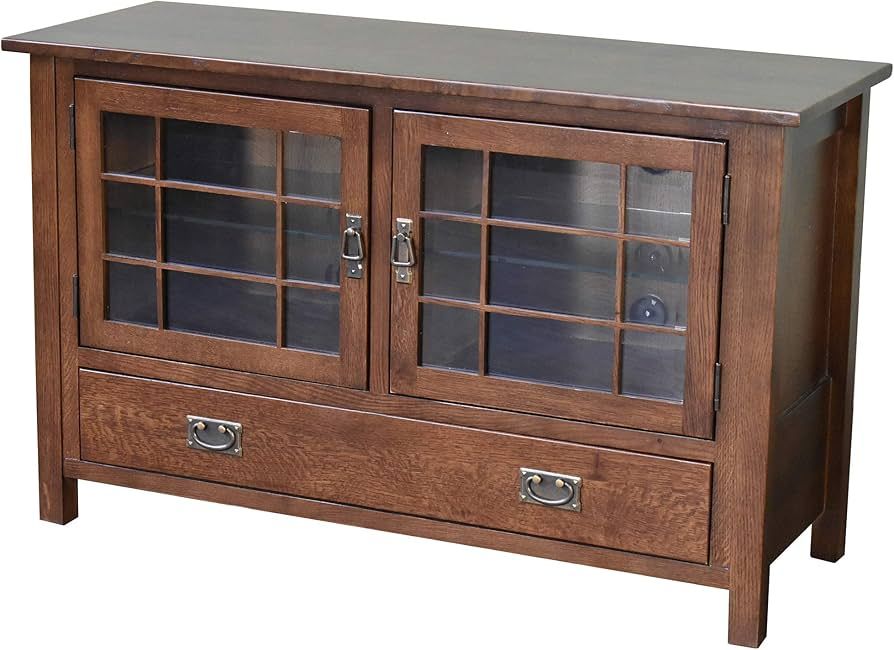
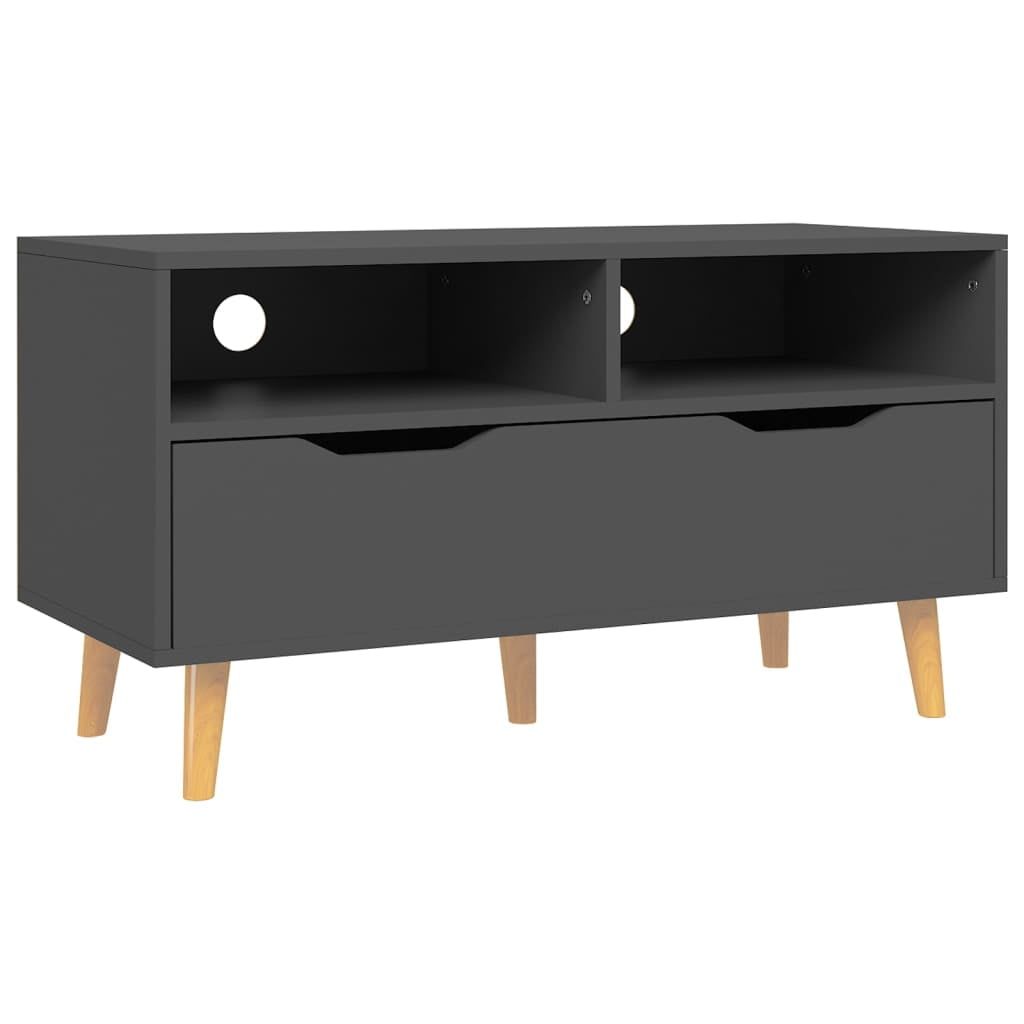
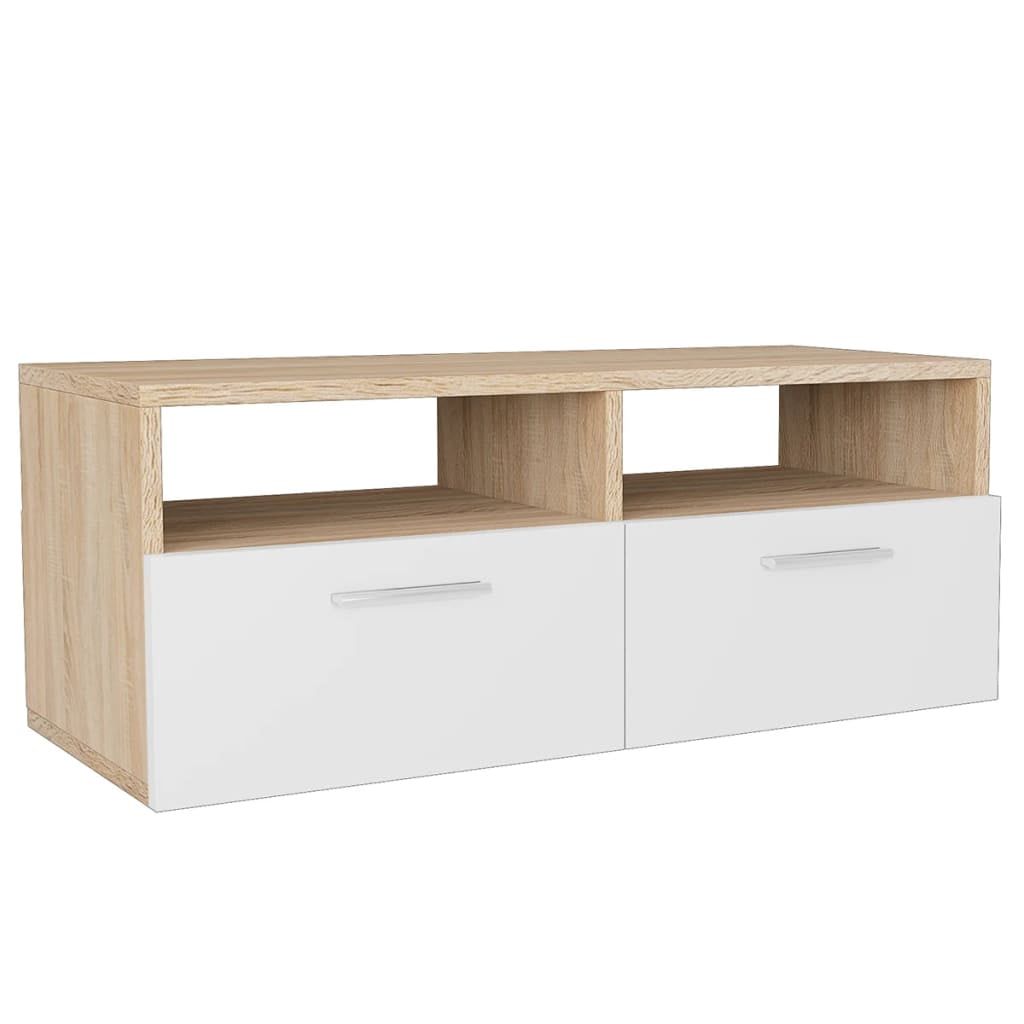
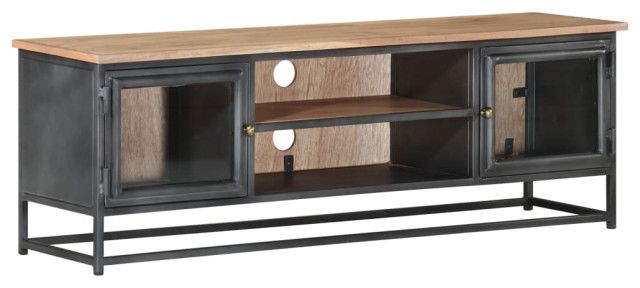
The material of your TV stand affects not just its appearance but also its longevity and performance. Wood stands offer classic appeal and excellent durability. They tend to be heavy and stable, making them ideal for larger TVs. However, they require more maintenance and can be affected by humidity changes. Wood also tends to be more expensive than other materials, but many people find the investment worthwhile for the timeless look and feel. Metal stands provide a modern aesthetic and are often very sturdy. They’re typically lighter than wood and can handle a wide range of environmental conditions. However, they might not offer the same warmth and character that wood brings to a room. Plastic and composite materials are becoming increasingly popular for budget-conscious consumers. These options are often lightweight and affordable, though they may not offer the same premium feel or longevity as wood or metal. When choosing materials, consider the weight capacity of your stand. A 75-inch TV requires a much sturdier stand than a 40-inch model. Check the manufacturer’s specifications carefully to ensure your chosen stand can safely support your screen. Another factor is how the stand will integrate with your existing décor. Do you prefer a stand that blends seamlessly with your furniture, or one that makes a bold statement? Some stands are designed to match specific furniture styles, while others are meant to be conversation pieces. The finish also matters – matte finishes hide fingerprints better than glossy ones, which can be helpful in households with children or frequent visitors. Consider the maintenance requirements as well. Some materials are easier to clean and maintain than others. A wood stand might need periodic polishing, while a metal stand might require occasional dusting to prevent scratches. Ultimately, the best material choice depends on your priorities – whether you value aesthetics, durability, cost, or ease of maintenance. Sometimes the most expensive option isn’t necessarily the best fit for your specific situation.
Smart Features and Technology Integration
Modern TV stands aren’t just about physical support anymore – they’re becoming smart hubs for your entertainment ecosystem. The integration of technology into these stands opens up possibilities that were unimaginable just a few years ago. Many stands now include built-in wireless charging pads, allowing you to charge your phone or tablet without hunting for a power outlet. This is particularly useful when you’re watching content and need to stay connected. Some stands even feature USB ports that can be used for charging multiple devices simultaneously. These aren’t just convenient – they’re practical solutions for today’s connected lifestyle. Another exciting development is the inclusion of LED lighting elements. These can serve multiple purposes – from ambient lighting that creates a cozy atmosphere to subtle indicators that show when your devices are powered on. Some stands even incorporate smart home integration, allowing you to control the stand’s features through voice commands or smartphone apps. This kind of connectivity can be especially helpful for managing multiple devices in a home theater setup. The trend toward smart stands also includes built-in audio capabilities. Some models come with integrated speakers that complement your TV’s sound system, creating a more immersive experience. While these aren’t replacements for dedicated sound systems, they can add a nice layer of audio enhancement. Battery-powered stands are another innovation worth noting. These can provide backup power for your TV and connected devices during outages, ensuring you never miss a moment of your favorite content. The possibilities seem endless, but it’s important to evaluate which features actually add value to your specific viewing habits. Not every smart feature is necessary for everyone. Consider your lifestyle and how much you’ll actually use these advanced capabilities. The key is finding a balance between convenience and complexity. A stand with too many features might overwhelm you or become difficult to maintain. Look for features that solve real problems in your daily routine rather than just following trends. Sometimes the simplest solutions are the most effective.
Budget-Friendly Options and Value Considerations
You don’t need to spend a fortune to get a quality TV stand that enhances your viewing experience. There are plenty of affordable options that deliver solid performance and functionality. The key is identifying what features are essential for your needs versus what might be nice to have. Budget-friendly stands often focus on core functionality – proper support, basic adjustability, and adequate cable management. These might not include all the bells and whistles of premium models, but they can still significantly improve your setup. One strategy is to prioritize your must-have features. If height adjustment is crucial for your viewing comfort, then investing in that capability makes sense. But if you primarily watch content from one seating position, you might be able to skip some of the more advanced adjustability features. Consider buying from reputable brands that offer good warranties. Even if the initial cost is higher, the peace of mind and potential savings on repairs or replacements can justify the investment. Many retailers offer financing options or seasonal sales that can make quality stands more accessible. Reading customer reviews can also be incredibly helpful. Real users often highlight issues or benefits that aren’t obvious from product descriptions alone. Look for reviews that mention durability, ease of assembly, and actual performance rather than just appearance. Sometimes the cheapest option isn’t the best value in the long run. A stand that breaks after six months of use might end up costing more than a slightly more expensive model that lasts for years. The concept of total cost of ownership is important here. Factor in not just the purchase price, but also ongoing maintenance, potential repairs, and replacement costs. For those on tight budgets, consider secondhand options. Many people upgrade their stands every few years, and there are often gently used models available at significant discounts. Just make sure to inspect the condition carefully before purchasing. Don’t compromise on safety features – if a stand seems flimsy or unstable, it’s probably not worth the risk. Remember, the goal is to enhance your viewing experience, not create new problems. Sometimes spending a little extra upfront can save you from headaches later on.
Installation Tips and Common Mistakes to Avoid
Even the best stand can fail if it’s not installed correctly. This is where many people run into trouble, especially with more complex models. The first step is always reading the manufacturer’s instructions thoroughly. These guides are specifically designed to help you avoid common pitfalls and ensure safe installation. Measure twice, install once – this old adage holds true for TV stands. Before mounting anything, double-check all measurements. Make sure your wall can support the weight of your TV and stand combination. If you’re installing a wall-mounted stand, verify that you’re mounting into studs rather than just drywall. Using proper hardware is non-negotiable. Cheap or incorrect screws and brackets can lead to serious safety issues. Many people make the mistake of thinking that any mounting hardware will do. In reality, using the wrong fasteners can cause damage to both your wall and your TV. Cable management is another area where mistakes happen frequently. Rushing through this process often leads to a tangled mess that defeats the purpose entirely. Take your time to route cables properly, using the stand’s designated channels or clips. Don’t forget about the space behind the stand. Ensure there’s adequate clearance for ventilation, especially if your stand houses electronics. Overheating can damage both your TV and other connected devices. Some stands come with additional accessories that might seem unnecessary but prove invaluable. These could include leveling feet, extra mounting brackets, or specialized cable ties. Invest in the right tools for the job. A good drill, stud finder, level, and screwdriver set will make the installation process much smoother. Finally, don’t be afraid to ask for help. If you’re unsure about any part of the installation, it’s better to seek assistance than risk injury or damage to your equipment. Remember that the installation process is just the beginning – proper maintenance and regular checks will keep your stand functioning optimally for years to come. A well-installed stand can be a source of pride and enjoyment, while a poorly installed one can be a constant source of stress and potential danger.
The journey to maximizing your TV viewing experience begins with understanding that your stand is more than just a piece of furniture – it’s the foundation of your entertainment space. From proper height and angle adjustments to thoughtful cable management and smart technology integration, every aspect of your stand contributes to how you experience content. The right stand can transform a simple viewing session into an immersive adventure, reducing eye strain and increasing comfort. It can also make your home theater setup look polished and professional, regardless of the room’s size or layout. We’ve explored everything from basic fundamentals to advanced features, showing that there’s a perfect stand for every situation and budget. Whether you’re upgrading from an old, wobbly stand or starting fresh with a new TV, remember that this decision impacts your daily entertainment routine. The investment you make in choosing the right stand pays dividends in comfort, convenience, and overall satisfaction with your viewing experience. Don’t underestimate the power of a well-chosen stand to enhance your life. It’s not just about placing a screen on a piece of furniture – it’s about creating an environment where you can fully enjoy the stories, movies, and shows that bring joy to your days. Your future self will thank you for taking the time to select wisely. After all, when you’re truly enjoying your favorite content, everything else fades away. The right stand makes that possible, turning your living room into a sanctuary for entertainment and relaxation.